Common Eco Solvent Printing Problems and Solutions
Eco solvent printing is widely used in the advertising and signage industry because of its excellent outdoor durability, vibrant colors, and relatively low operating costs. However, during daily production, eco solvent printers may experience various technical problems that affect print quality and production efficiency.
Understanding common eco solvent printing problems and their solutions helps reduce downtime, improve machine stability, and extend printhead lifespan.
Why Eco Solvent Printing Problems Happen
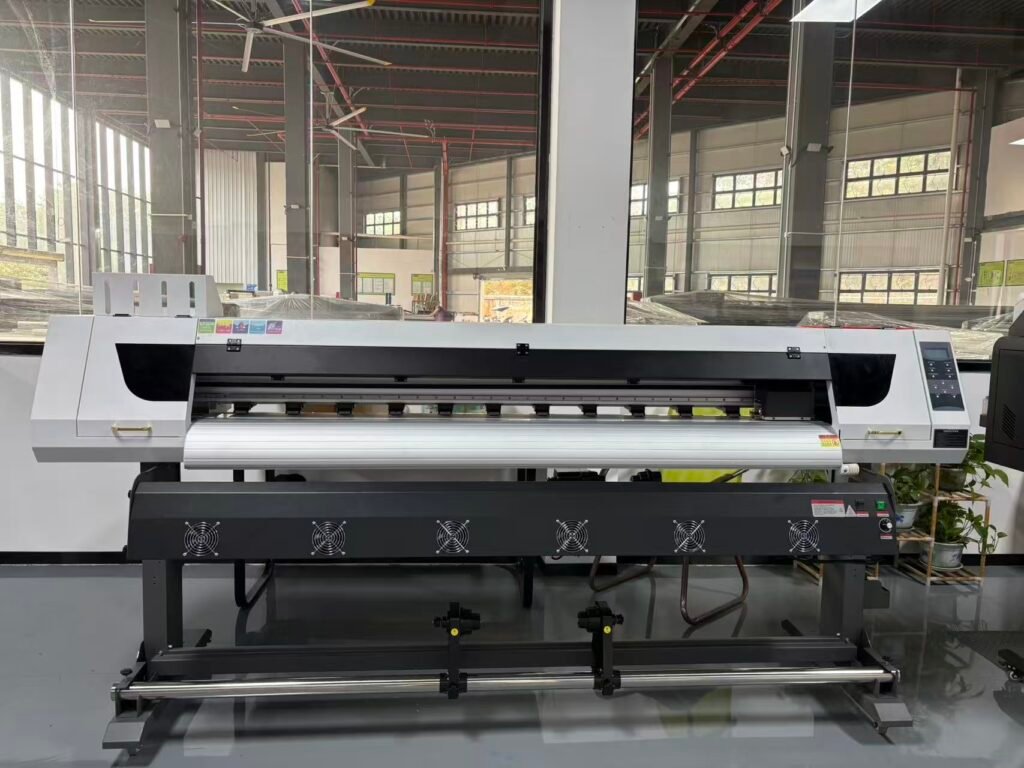
Most eco solvent printing problems are related to:
- Poor maintenance
- Ink drying
- Printhead clogging
- Incorrect environmental conditions
- Media feeding issues
- Ink supply instability
Regular maintenance and proper operating procedures are essential for stable printing performance.
1. Printhead Clogging
Problem
Printhead clogging is one of the most common eco solvent printing problems.
Symptoms include:
- Missing nozzles
- Broken print lines
- Weak color output
- Poor image quality
Possible Causes
- Ink drying inside nozzles
- Long machine downtime
- Low humidity
- Poor maintenance
- Low-quality ink
Solutions
- Perform daily nozzle checks
- Clean printheads regularly
- Maintain proper humidity
- Use high-quality eco solvent ink
- Avoid leaving the printer unused for long periods
Proper maintenance helps reduce clogging risk significantly.
2. Banding Issues
Problem
Banding appears as horizontal lines across printed images.
This problem reduces print quality and affects commercial production.
Possible Causes
- Missing nozzles
- Dirty encoder strip
- Incorrect print settings
- Ink supply instability
Solutions
- Perform nozzle cleaning
- Clean encoder strip carefully
- Optimize print settings
- Check ink delivery system
Stable ink flow and accurate carriage movement are important for preventing banding.
3. Ink Smudging
Problem
Printed ink smears or smudges after printing.
Possible Causes
- Incomplete drying
- Incorrect heater settings
- Low-quality media
- Excessive ink output
Solutions
- Adjust heater temperature properly
- Use compatible printing materials
- Reduce excessive ink density
- Improve ventilation
Proper drying conditions help improve print durability.
4. Media Feeding Problems
Problem
The material feeds incorrectly during printing.
Symptoms include:
- Crooked printing
- Material shifting
- Uneven image alignment
Possible Causes
- Improper media loading
- Dirty rollers
- Incorrect tension settings
- Poor-quality materials
Solutions
- Load materials correctly
- Clean media rollers regularly
- Adjust feeding tension
- Use stable, high-quality media
Proper media handling improves production stability.
5. Color Inconsistency
Problem
Printed colors appear inconsistent or inaccurate.
Possible Causes
- Incorrect ICC profiles
- Ink instability
- Poor RIP software settings
- Environmental fluctuations
Solutions
- Use proper ICC profiles
- Calibrate RIP software
- Maintain stable environmental conditions
- Use high-quality ink
Consistent color management is essential for professional printing results.
6. Ink Supply Problems
Problem
Ink does not flow properly to the printhead.
Symptoms include:
- Missing colors
- Ink starvation
- Uneven printing
Possible Causes
- Air bubbles in ink tubes
- Blocked dampers
- Ink leakage
- Poor ink system maintenance
Solutions
- Inspect ink tubes regularly
- Replace damaged dampers
- Remove air bubbles carefully
- Maintain stable ink system pressure
Stable ink delivery is critical for continuous production.
7. Static Electricity Problems
Problem
Static electricity affects print quality and media handling.
Symptoms include:
- Ink mist
- Material attraction
- Print quality instability
Possible Causes
- Low humidity
- Dry environment
- Improper grounding
Solutions
- Maintain proper humidity
- Improve grounding systems
- Use anti-static devices when necessary
Proper environmental control helps improve printing stability.
8. Slow Drying Problems
Problem
Printed materials take too long to dry.
Possible Causes
- Low heater temperature
- High ink density
- Poor ventilation
- Incompatible media
Solutions
- Increase heater settings carefully
- Improve ventilation
- Use compatible materials
- Optimize print settings
Drying performance affects production speed and print durability.
Best Practices for Stable Eco Solvent Printing
To maintain stable production:
- Perform daily maintenance
- Use quality eco solvent ink
- Maintain proper humidity
- Keep the printer clean
- Operate the machine regularly
- Monitor print quality consistently
Preventive maintenance helps reduce costly downtime and repairs.
Common Printheads Used in Eco Solvent Printers
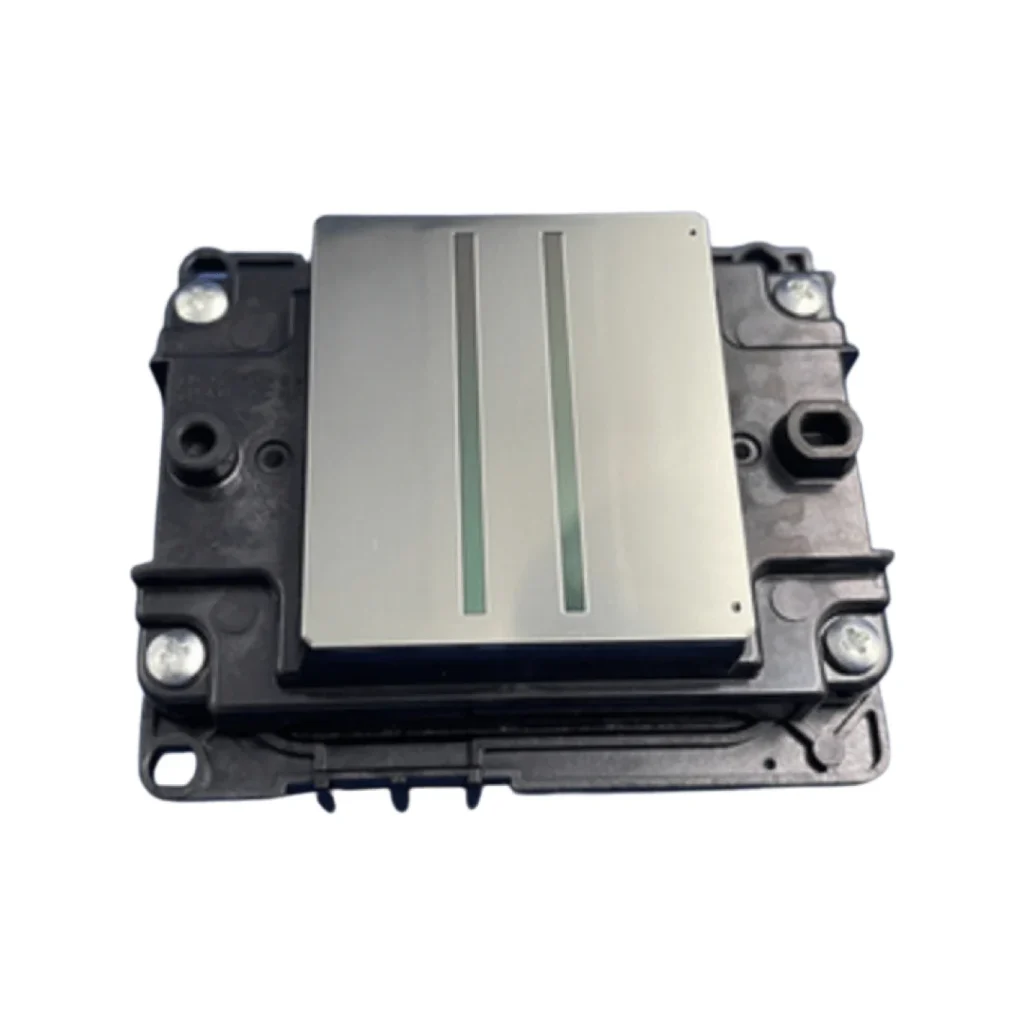
Popular eco solvent printheads include:
- Epson XP600
- Epson i3200
- Epson DX5
- Epson DX7
Industrial printheads usually provide:
- Better speed
- Higher stability
- Longer lifespan
Proper maintenance is essential for all printhead types.
Recommended Maintenance Schedule
| Maintenance Item | Frequency |
|---|---|
| Nozzle Check | Daily |
| Printhead Cleaning | Daily |
| Cap Top Cleaning | Daily |
| Wiper Blade Inspection | Weekly |
| Encoder Strip Cleaning | Weekly |
| Ink System Inspection | Monthly |
FAQ
Why do eco solvent printheads clog?
Ink drying, low humidity, and poor maintenance are common causes.
How can I reduce banding problems?
Regular nozzle cleaning and encoder strip maintenance help reduce banding.
Is humidity important for eco solvent printing?
Yes. Proper humidity helps reduce static electricity and nozzle drying.
Why is my eco solvent print smudging?
Incorrect heater settings or incompatible media may cause smudging problems.
Conclusion
Eco solvent printing problems are common in commercial production environments, but most issues can be prevented through regular maintenance, proper environmental conditions, quality consumables, and correct operating procedures.
Understanding common eco solvent printing problems and solutions helps improve print quality, reduce downtime, and extend printer lifespan.
Looking for Reliable Eco Solvent Printing Equipment and Spare Parts?
Explore eco solvent printers, Epson i3200 printheads, XP600 printheads, inks, cleaning solutions, and spare parts at:
WhatsApp: https://wa.me/8619501858091
We provide professional printing solutions and global shipping support for printing businesses worldwide.