UV Printer Maintenance Guide
Proper UV printer maintenance is essential for maintaining print quality, extending printhead lifespan, and ensuring stable daily production. Whether you use a UV flatbed printer, roll-to-roll UV printer, or hybrid UV printer, regular maintenance helps reduce downtime and avoid expensive repairs.
Because UV ink cures quickly under ultraviolet light, UV printers require more careful maintenance compared with traditional printing systems.
Why UV Printer Maintenance Is Important
UV printers contain sensitive components such as:
- Printheads
- UV lamps
- Ink systems
- Capping stations
- White ink circulation systems
Poor maintenance may cause:
- Printhead clogging
- Ink curing inside nozzles
- Poor print quality
- White ink blockage
- Expensive printhead damage
Regular maintenance helps improve printer stability and production efficiency.
Daily UV Printer Maintenance
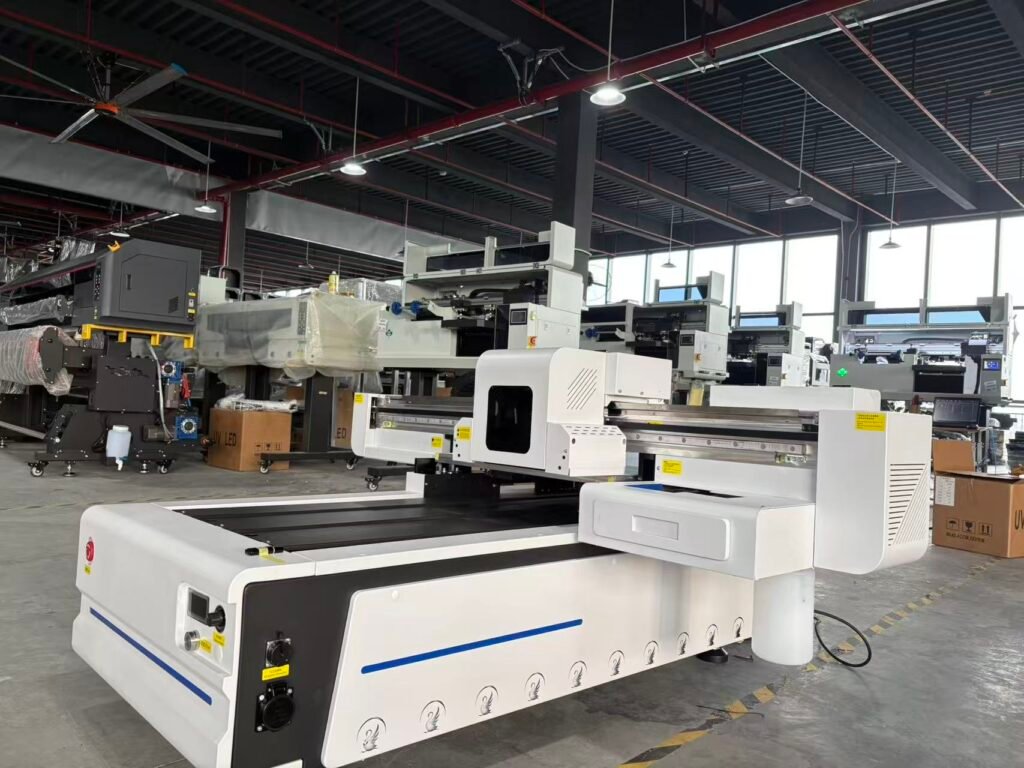
Perform Nozzle Checks Daily
Nozzle checks help detect missing nozzles and print quality issues early.
Benefits include:
- Preventing serious clogging
- Maintaining image quality
- Reducing production interruptions
Daily nozzle checks are especially important for white ink channels.
Clean the Printhead Surface
Ink mist and dust may accumulate around the printhead surface.
Important tips:
- Use lint-free cleaning cloths
- Use compatible cleaning solution
- Avoid touching nozzle surfaces directly
Improper cleaning may damage printheads permanently.
Clean the Capping Station
The capping station helps seal and protect the printhead during idle periods.
Dirty cap tops may cause:
- Poor suction
- Ink drying
- Weak cleaning performance
Regular cleaning helps maintain proper sealing and cleaning efficiency.
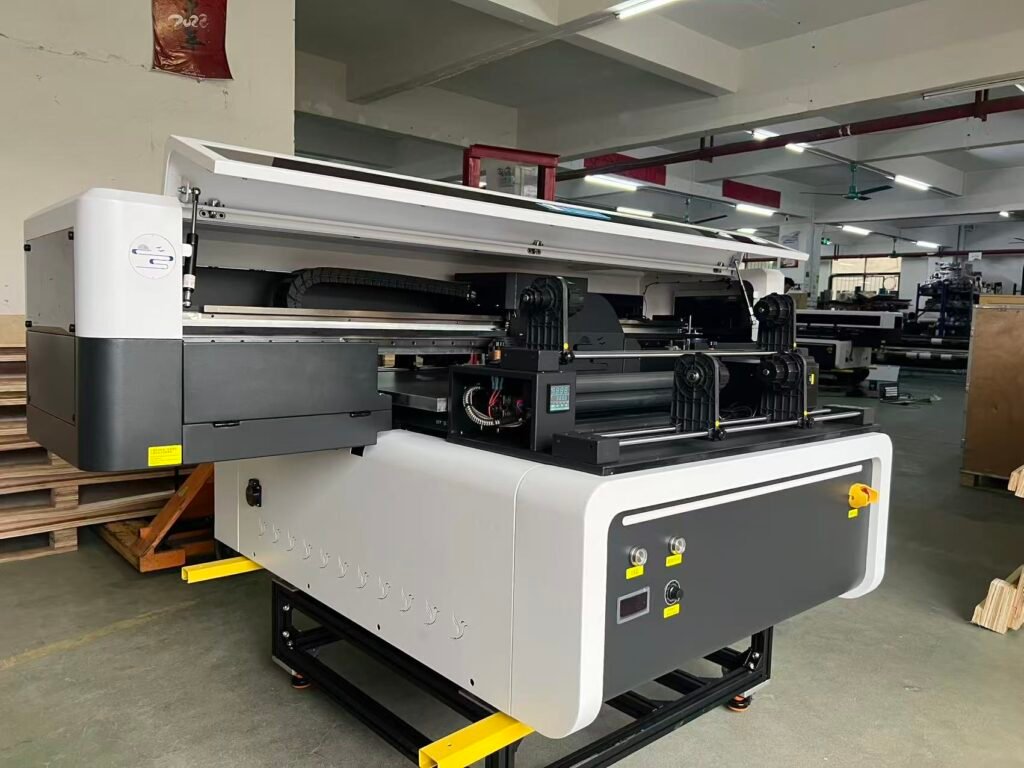
Clean the Wiper Blade
The wiper blade removes excess ink and dust from the printhead surface.
Dirty or damaged wiper blades may cause:
- Nozzle contamination
- Ink buildup
- Printhead scratches
Replace worn wiper blades when necessary.
White Ink Maintenance
White ink is one of the most important maintenance concerns in UV printing.
Because white ink contains heavy pigment particles, sedimentation can happen easily.
How to Maintain White Ink Properly
Recommended practices:
- Stir white ink regularly
- Use white ink circulation systems
- Print white channels daily
- Avoid long machine downtime
Proper white ink maintenance helps reduce clogging and ink supply problems.
UV Lamp Maintenance
UV lamps are essential for curing UV ink properly.
Poor UV lamp performance may cause:
- Weak ink adhesion
- Sticky prints
- Incomplete curing
UV Lamp Maintenance Tips
- Keep UV lamp surfaces clean
- Check lamp cooling systems regularly
- Replace aging lamps when necessary
- Avoid excessive dust accumulation
Stable UV curing improves print durability and color performance.
Environmental Conditions
Proper environmental conditions are very important for UV printing stability.
Recommended conditions:
- Stable room temperature
- Proper humidity
- Clean production environment
Low humidity may increase static electricity and nozzle drying problems.
Excessive dust may contaminate printheads and printed materials.
Avoid Long Idle Periods
Leaving UV printers unused for long periods may cause:
- Ink curing inside nozzles
- White ink sedimentation
- Ink supply blockage
If the machine will not be used for several days:
- Perform cleaning procedures
- Protect printheads properly
- Follow manufacturer shutdown procedures
Common UV Printer Maintenance Problems
Printhead Clogging
Possible causes:
- Ink drying
- Poor maintenance
- Low humidity
- Low-quality ink
Solutions:
- Regular cleaning
- Daily nozzle checks
- Proper humidity control
White Ink Blockage
Possible causes:
- White ink sedimentation
- Poor circulation
- Long idle periods
Solutions:
- White ink stirring
- Daily white ink printing
- Circulation system maintenance
Ink Adhesion Problems
Possible causes:
- Dirty material surface
- Weak UV curing
- Incorrect ink settings
Solutions:
- Clean materials before printing
- Check UV lamp performance
- Use compatible UV ink
Recommended UV Printer Maintenance Schedule
| Maintenance Item | Recommended Frequency |
|---|---|
| Nozzle Check | Daily |
| Printhead Cleaning | Daily |
| Cap Top Cleaning | Daily |
| Wiper Blade Inspection | Weekly |
| White Ink Stirring | Daily |
| UV Lamp Inspection | Weekly |
| Ink System Inspection | Monthly |
Best Practices for Long Printhead Life
To extend printhead lifespan:
- Use high-quality UV ink
- Maintain proper humidity
- Perform regular cleaning
- Avoid printhead strikes
- Keep the printer clean
Industrial printheads such as Epson i3200 and Ricoh G5/G6 require stable maintenance for long-term production reliability.
FAQ
How often should UV printers be cleaned?
Basic maintenance and nozzle checks are recommended daily during production.
Why does white ink clog easily?
White ink contains heavy pigment particles that settle quickly.
Can UV ink damage printheads?
Low-quality UV ink or poor maintenance may increase the risk of printhead damage.
How can I extend printhead lifespan?
Regular maintenance, quality ink, and proper environmental conditions are essential.
Conclusion
UV printer maintenance is essential for maintaining stable print quality, protecting expensive printheads, and reducing production downtime. Daily cleaning, proper white ink management, and stable environmental conditions can significantly improve UV printing performance and machine lifespan.
Whether using UV flatbed printers or industrial UV production systems, preventive maintenance is always more cost-effective than major repairs.
Looking for Reliable UV Printing Equipment and Spare Parts?
Explore high-quality UV printers, Epson i3200 printheads, Ricoh printheads, UV inks, cleaning solutions, and spare parts at:
WhatsApp: https://wa.me/8619501858091
We provide professional printing solutions and global shipping support for printing businesses worldwide.