What Is RIP Software and Why Is It Important? (2026 Guide)
If you work with DTF printers, UV printers, eco solvent printers, sublimation printers, or large-format printing equipment, you’ve probably heard the term RIP software.
But what exactly is RIP software, and why is it essential for professional printing?
Many beginners focus on printers, printheads, and inks, while overlooking the software that controls the entire printing process. In reality, RIP software plays a critical role in print quality, color accuracy, production efficiency, and ink consumption.
In this guide, we’ll explain what RIP software is, how it works, and why every professional printing business needs it.
What Does RIP Stand For?
RIP stands for:
Raster Image Processor
A RIP converts digital artwork into printable data that a printer can understand.
When you create a design in software such as Adobe Illustrator, CorelDRAW, Photoshop, or Canva, the file contains vector graphics, layers, colors, and effects. A printer cannot directly interpret this information.
RIP software processes the design and translates it into millions of tiny dots that the printer can accurately reproduce.
Why Do Printers Need RIP Software?
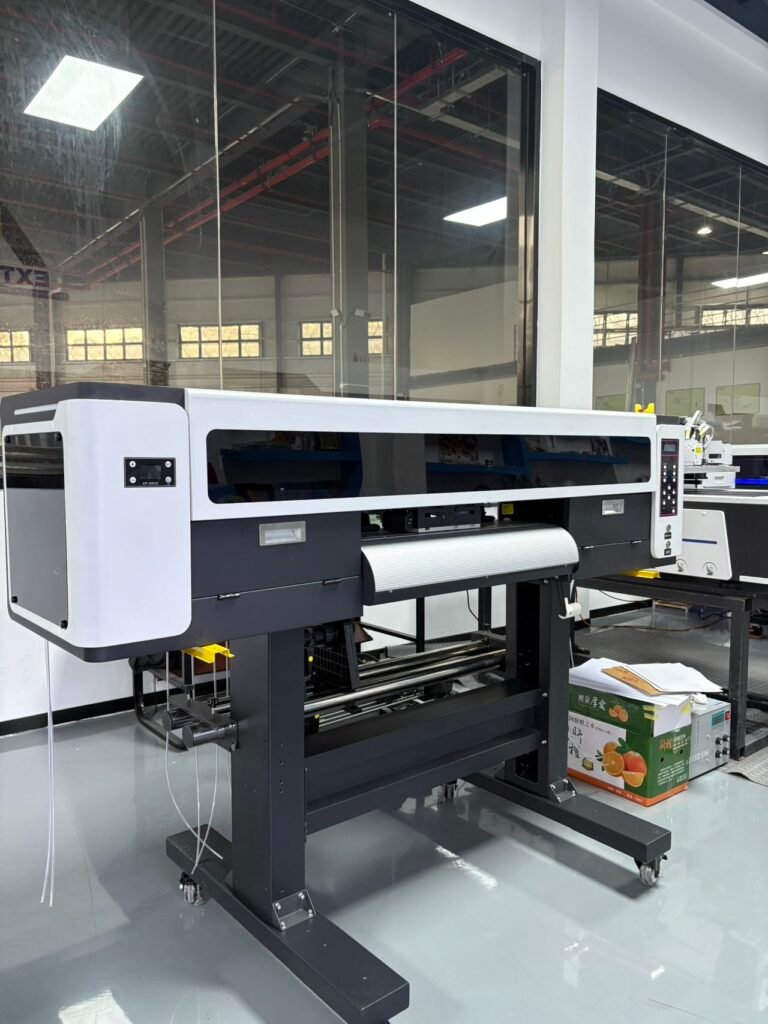
Professional printers require far more control than a standard office printer.
For example, a DTF or UV printer must control:
- Ink density
- Color accuracy
- Print resolution
- White ink layers
- Varnish layers
- Print speed
- Material settings
Without RIP software, these functions would be difficult or impossible to manage.
How Does RIP Software Work?
The printing workflow usually follows these steps:
Step 1: Import the Artwork
Common file formats include:
- AI
- EPS
- PNG
- TIFF
- JPG
Step 2: Process the Image
The RIP converts the artwork into raster data.
During this process, the software calculates:
- Dot placement
- Ink volume
- Resolution
- Color separation
Step 3: Generate Print Instructions
The RIP creates detailed commands for the printer, including:
- Nozzle firing patterns
- Ink distribution
- White ink layers
- Printing direction
Step 4: Send Data to the Printer
The printer receives the processed information and begins printing.
Why Is RIP Software Important for DTF Printing?
RIP software is one of the most important components of a DTF printing system.
Key functions include:
White Ink Generation
DTF prints require a white ink layer beneath the color image.
RIP software automatically creates this layer.
Image Mirroring
Transfer designs must be printed in reverse before heat pressing.
The RIP handles this automatically.
Ink Density Control
Proper ink control improves:
- Color vibrancy
- Wash durability
- Print quality
Color Management
The RIP ensures accurate color reproduction across different materials.
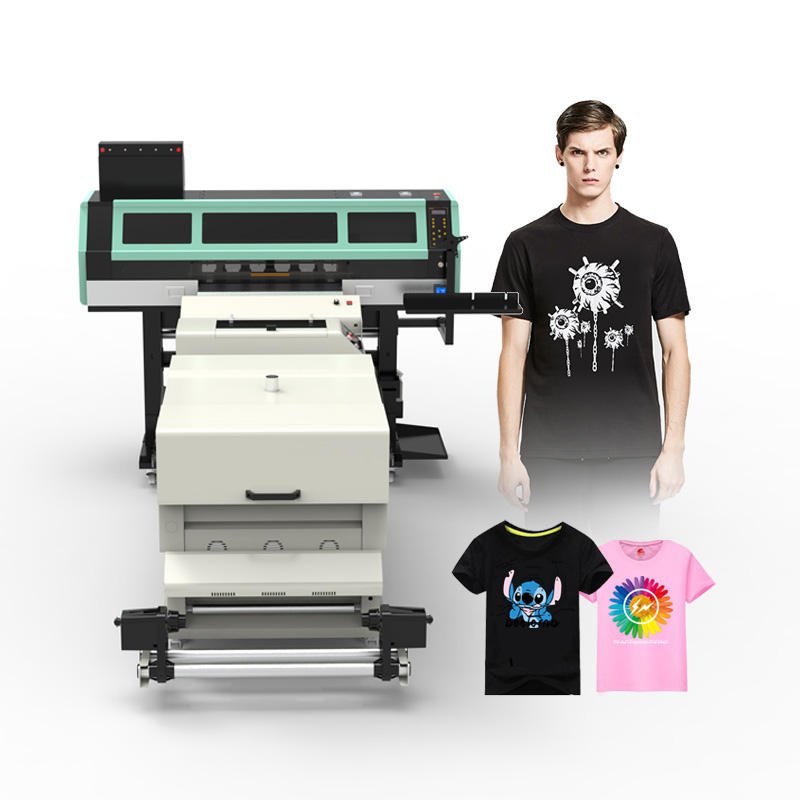
Why Is RIP Software Important for UV Printing?
UV printing requires advanced control over multiple ink layers.
RIP software manages:
- White ink
- CMYK colors
- Varnish effects
- Spot colors
- Multi-layer printing
This allows UV printers to print on:
- Acrylic
- Glass
- Wood
- Metal
- Plastic
- Leather
Without RIP software, many UV printing applications would not be possible.
Why Is RIP Software Important for Eco Solvent Printing?
Eco solvent printers often produce:
- Banners
- Vehicle wraps
- Posters
- Signage
- Advertising graphics
RIP software helps by:
- Optimizing color accuracy
- Reducing ink waste
- Improving print consistency
- Managing large-format jobs
Key Features of RIP Software
Color Management
Color management ensures that printed colors match the original design as closely as possible.
This is especially important for branding and commercial printing.
ICC Profile Support
ICC profiles help maintain color consistency across different printers and media types.
Benefits include:
- Better color accuracy
- Reduced trial-and-error printing
- Improved customer satisfaction
White Ink Control
Essential for:
- DTF printing
- UV printing
Proper white ink management improves opacity and image quality.
Job Nesting
Nesting automatically arranges multiple designs on a single sheet or roll.
Benefits include:
- Reduced media waste
- Improved production efficiency
- Lower operating costs
Print Queue Management
Operators can:
- Schedule jobs
- Prioritize orders
- Monitor production
This improves workflow efficiency in busy print shops.
Popular RIP Software Used in the Printing Industry
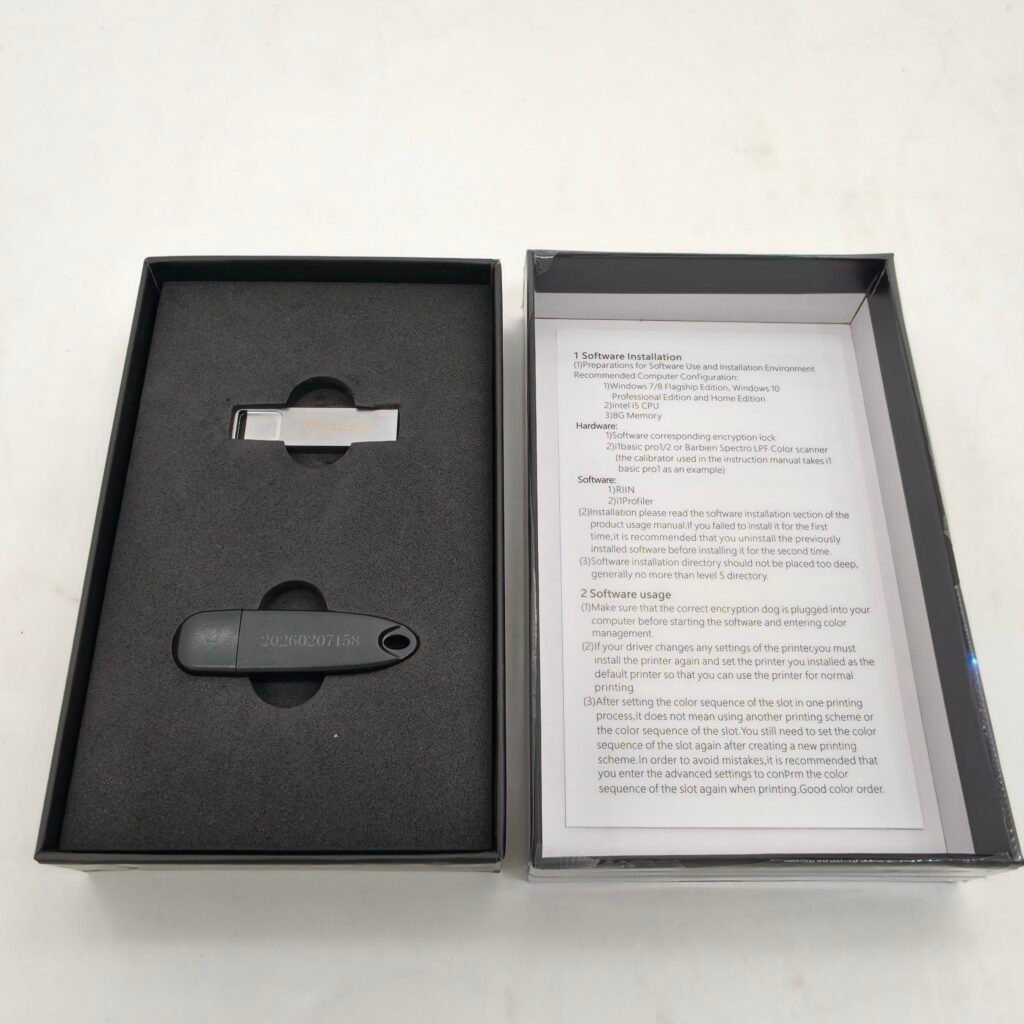
Maintop RIP
Maintop is one of the most widely used RIP software solutions in China and many international markets.
Common applications:
- DTF printing
- UV printing
- Eco solvent printing
Advantages:
- Affordable
- Easy to learn
- Broad printer compatibility
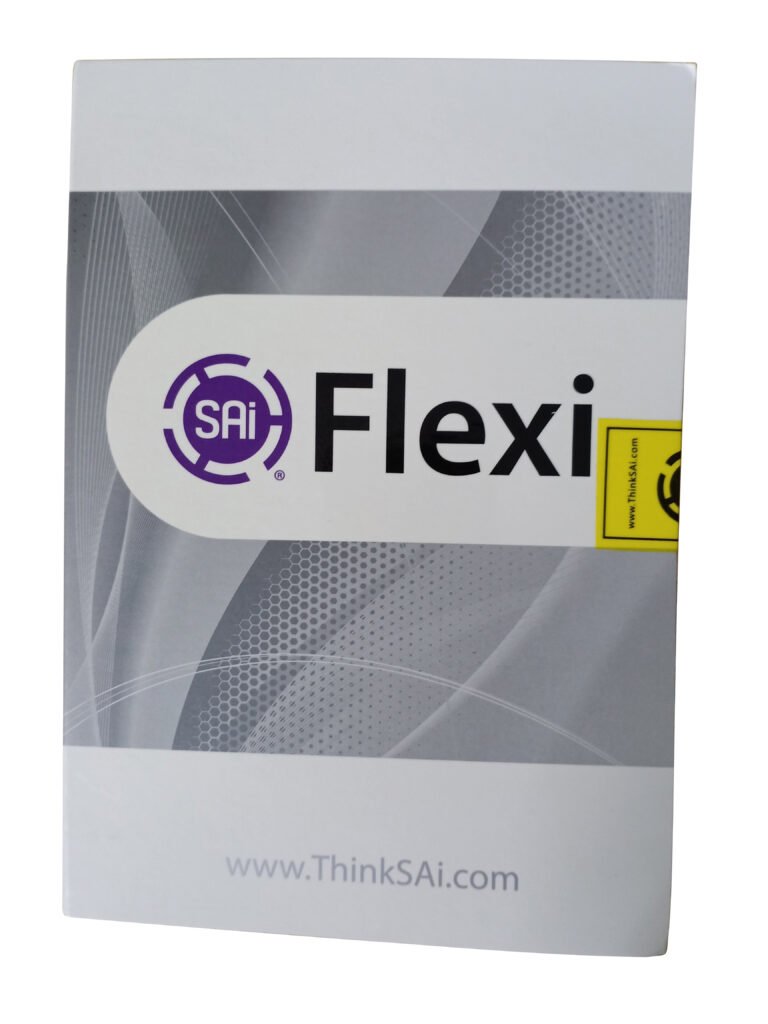
FlexiPRINT
FlexiPRINT is popular among sign makers and large-format printing businesses.
Advantages:
- Powerful design tools
- Reliable color management
- Professional workflow features
PhotoPRINT
PhotoPRINT is known for:
- Accurate color reproduction
- Stable production workflows
- Professional printing environments
ONYX RIP
ONYX is widely used in commercial and industrial printing.
Advantages:
- Advanced color control
- Automation features
- High-volume production support
Caldera RIP
Caldera is commonly found in industrial printing operations.
Advantages:
- Multi-printer management
- Workflow automation
- Production efficiency
Benefits of Using RIP Software
A professional RIP software solution can provide:
Better Print Quality
Improved sharpness, detail, and color accuracy.
Higher Productivity
Automated workflows reduce manual work.
Lower Ink Consumption
Optimized ink usage lowers operating costs.
Reduced Media Waste
Nesting and layout tools improve efficiency.
More Accurate Colors
Consistent results help meet customer expectations.
How to Choose the Right RIP Software
When selecting RIP software, consider the following factors:
Printer Compatibility
Ensure support for your printer and printhead.
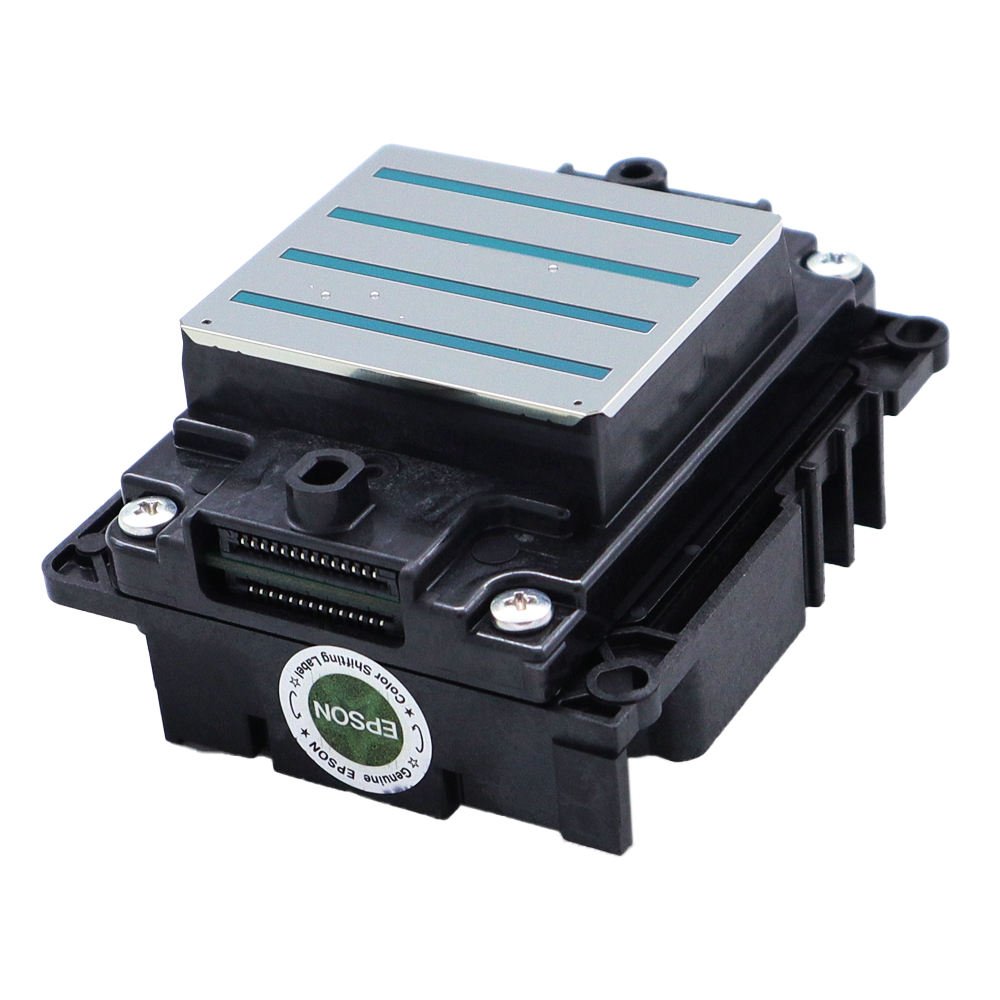
Examples:
- Epson i3200
- XP600
- DX5
- Ricoh G5
- Ricoh G6
Required Features
Different businesses may need:
- White ink support
- Varnish printing
- Advanced color management
- Nesting tools
Budget
Entry-level RIP software is suitable for small businesses, while industrial operations may require more advanced solutions.
Technical Support
Reliable support can help minimize downtime and solve configuration issues quickly.
Common RIP Software Problems
Users occasionally experience:
- Incorrect colors
- ICC profile errors
- White ink layer issues
- Driver conflicts
- Software crashes
Most problems can be solved through proper setup, updates, and calibration.
Frequently Asked Questions
Is RIP software necessary for DTF printing?
Yes. RIP software is required to generate white ink layers, mirror images, and manage color output.
Can I print without RIP software?
Basic printing may be possible, but professional-quality results typically require RIP software.
What is the most popular RIP software for DTF printers?
Maintop, FlexiPRINT, and PhotoPRINT are among the most commonly used solutions.
Does RIP software improve print quality?
Yes. RIP software helps optimize color accuracy, image processing, and ink control.
Is RIP software important for UV printers?
Absolutely. It is essential for managing white ink, varnish, spot colors, and layered printing.
Conclusion
RIP software is the bridge between digital artwork and professional printing. It converts designs into printable data, controls ink usage, manages colors, and improves production efficiency.
Whether you operate a DTF printer, UV printer, eco solvent printer, or sublimation printer, choosing the right RIP software can significantly improve print quality and business profitability.
Understanding RIP software is an important step toward building a successful printing business.
Looking for DTF Printers, UV Printers, Printheads, and Printing Solutions?
WhatsApp: https://wa.me/8619501858091
We supply professional printers, printheads, inks, spare parts, and technical support for customers worldwide.