DTF Printer Maintenance Checklist (Daily, Weekly, Monthly)
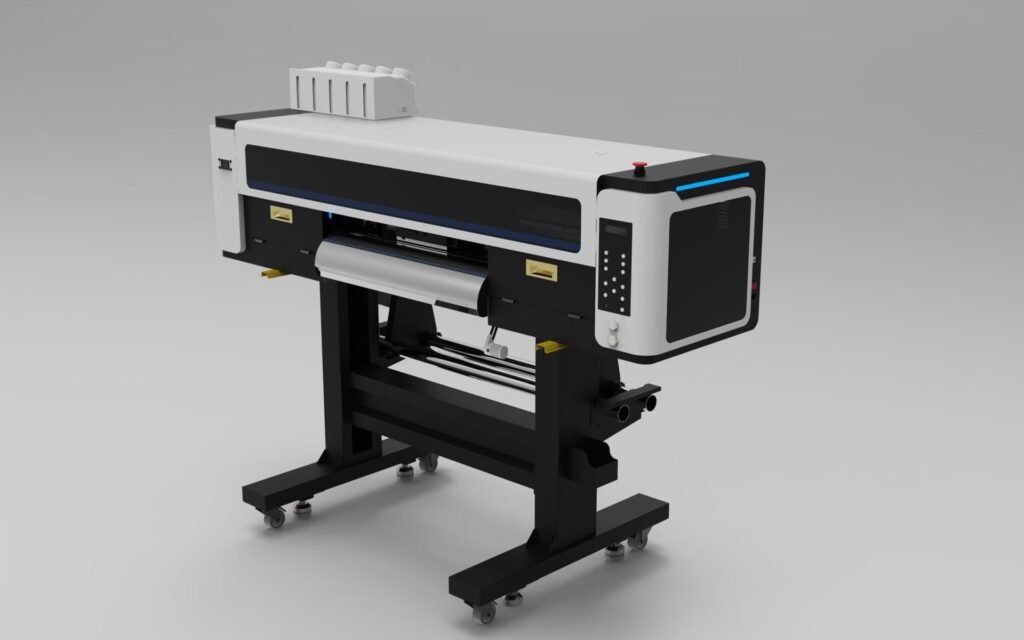
Proper maintenance is essential for keeping a DTF printer running smoothly and preventing costly downtime. Regular maintenance helps improve print quality, extend printhead lifespan, and reduce the risk of nozzle clogging.
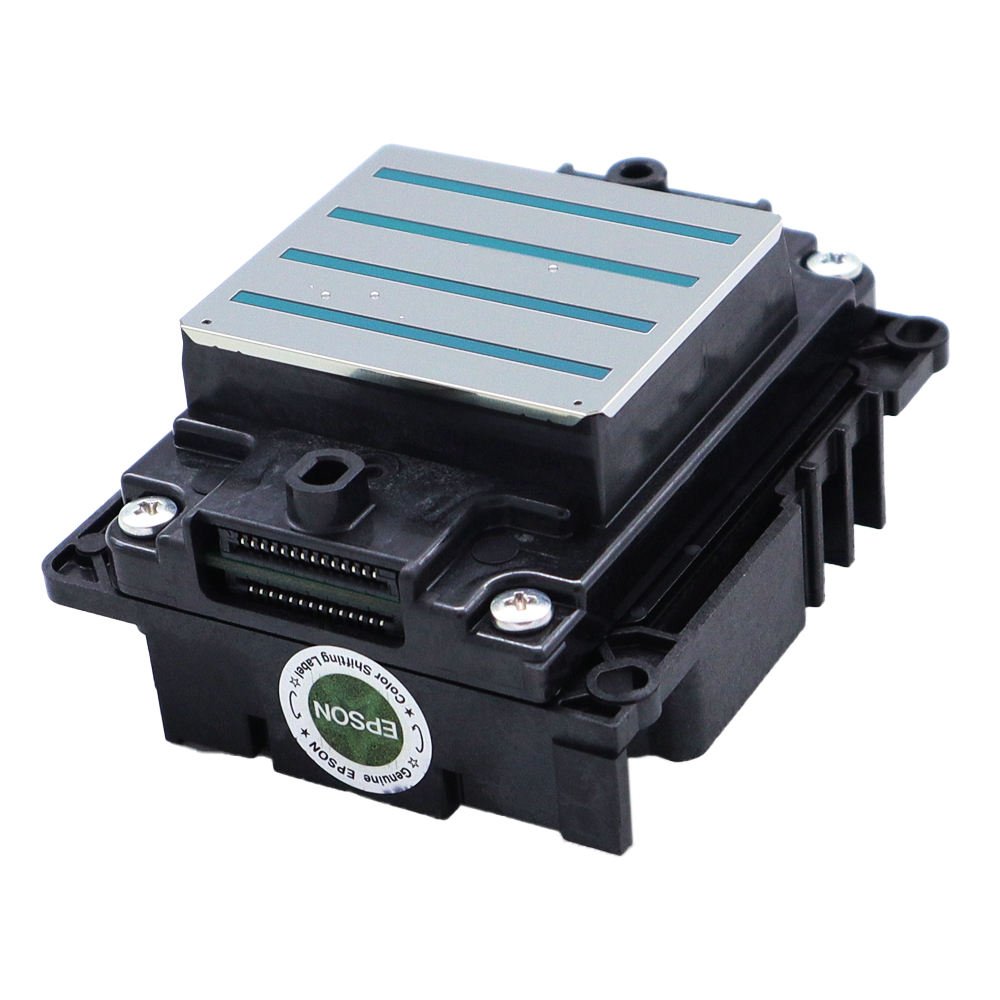
Whether your printer uses Epson i3200, XP600, DX5, or other printheads, following a maintenance schedule can significantly improve reliability and production efficiency.
This guide provides a practical DTF printer maintenance checklist organized into daily, weekly, and monthly tasks.
Why Is DTF Printer Maintenance Important?
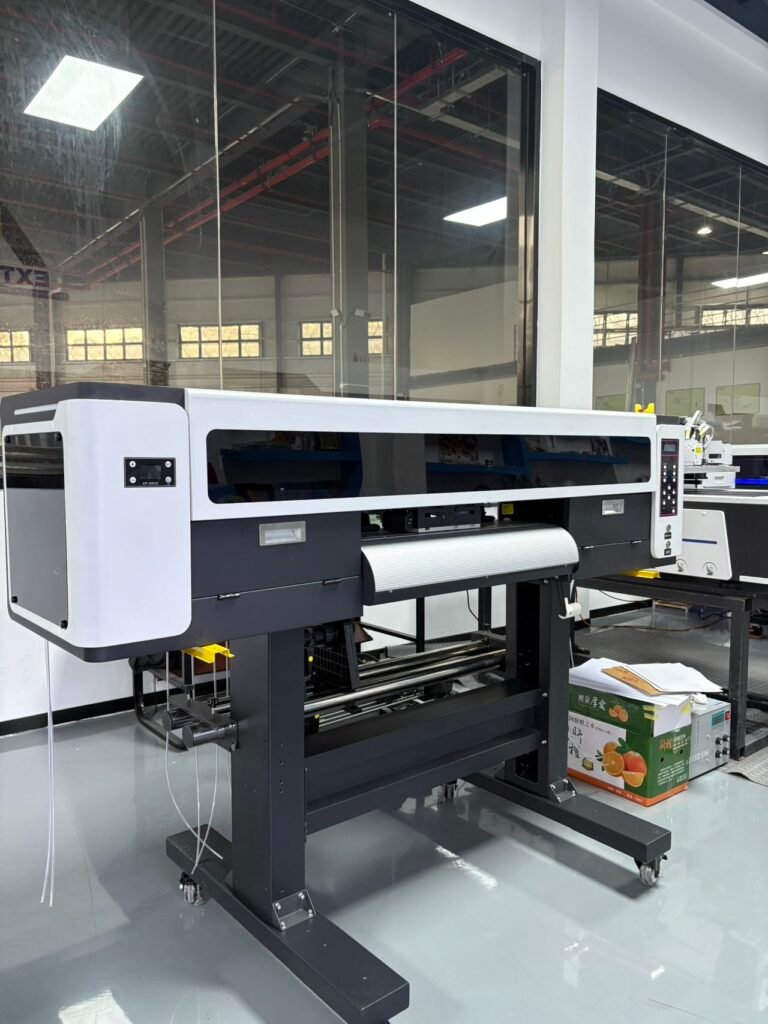
A well-maintained DTF printer offers several advantages:
- Better print quality
- Fewer nozzle clogs
- Longer printhead lifespan
- Reduced repair costs
- Consistent production performance
- Lower ink waste
Neglecting maintenance can lead to print defects, downtime, and expensive component replacements.
Daily DTF Printer Maintenance Checklist
Daily maintenance should be performed before and after production.
1. Perform a Nozzle Check
Before printing each day:
- Print a nozzle test pattern
- Check for missing lines
- Verify all colors are firing correctly
Early detection helps prevent serious printhead issues.
Image Caption
DTF Printer Nozzle Check Test Pattern2. Inspect Print Quality
Look for:
- Banding
- Missing colors
- Ink dropouts
- Uneven white ink coverage
Address issues immediately before starting production.
3. Check White Ink Circulation
White ink contains heavy pigments that settle quickly.
Ensure:
- White ink circulation system is running properly
- White ink tank is agitated regularly
- No sediment buildup is visible
Image Caption
White Ink Circulation System in a DTF Printer4. Clean the Wiper Blade
The wiper removes excess ink from the printhead surface.
Check for:
- Dried ink
- Dust
- Debris
Clean gently using approved cleaning solution.
Image Caption
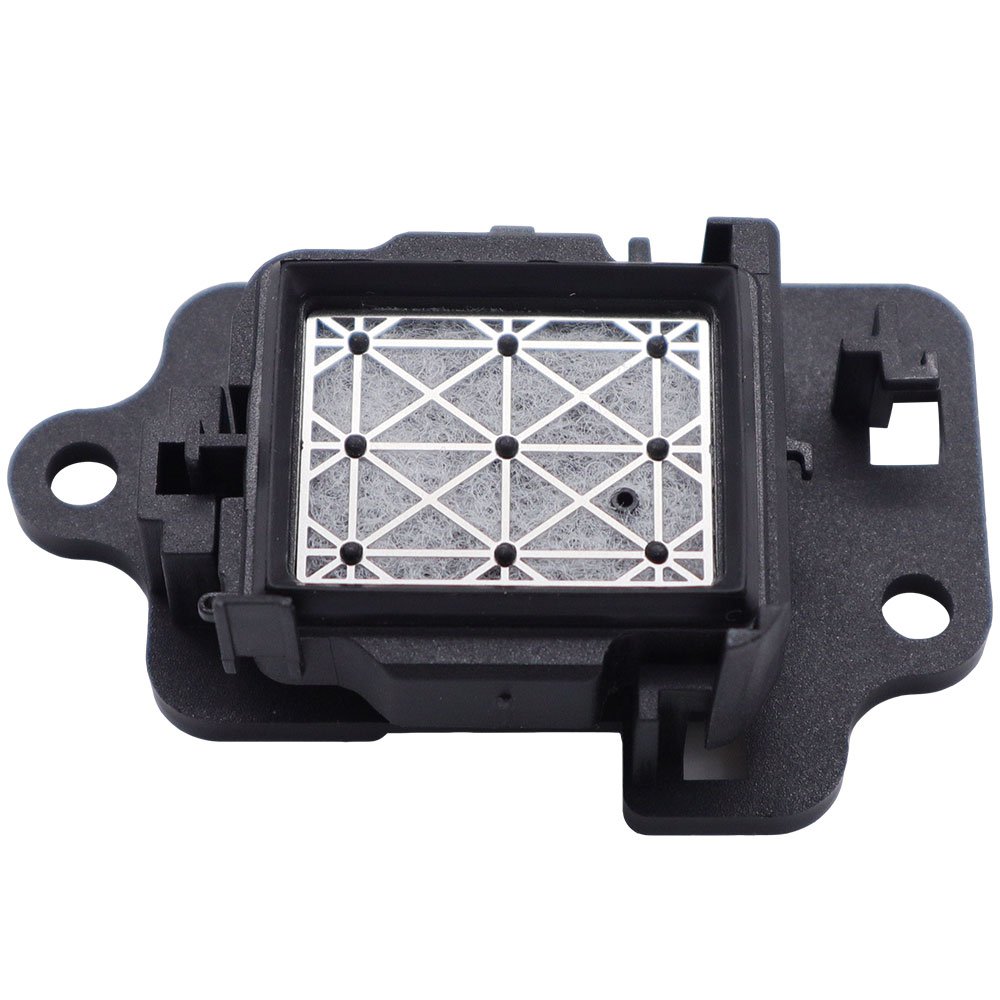
DTF Printer Wiper Blade Maintenance5. Inspect the Capping Station
Verify:
- Cap top is clean
- No dried ink buildup
- Proper sealing is maintained
A clean capping station helps prevent nozzle drying.
Image Caption
DTF Printer Capping Station6. Check Ink Levels
Ensure sufficient:
- CMYK ink
- White ink
- Cleaning solution
Avoid running ink tanks empty during production.
7. Clean Around the Printer
Remove:
- Dust
- Film scraps
- Powder residue
A clean workspace reduces contamination risks.
Weekly DTF Printer Maintenance Checklist
Weekly maintenance focuses on deeper inspections and cleaning.
1. Clean the Printhead Area
Carefully inspect:
- Printhead surface
- Carriage area
- Ink residue buildup
Never touch the nozzle plate directly.
Image Caption
Epson i3200 Printhead Inspection2. Check Dampers
Inspect dampers for:
- Air bubbles
- Ink contamination
- Restricted flow
Replace damaged dampers immediately.
Image Caption
Ink Dampers Connected to Epson i3200 Printhead3. Inspect Ink Tubes
Look for:
- Leaks
- Kinks
- Blockages
Stable ink delivery is essential for print consistency.
4. Lubricate Linear Rails
Apply manufacturer-approved lubricant to:
- Linear rails
- Carriage movement system
This ensures smooth operation.
Image Caption
Linear Rail Maintenance for DTF Printer5. Clean Sensors
Dust accumulation on sensors may cause:
- Media errors
- Positioning issues
- Production interruptions
Use a soft cloth for cleaning.
6. Check Film Feeding System
Inspect:
- Roll holders
- Feed rollers
- Film alignment
Improper feeding can affect print accuracy.
Monthly DTF Printer Maintenance Checklist
Monthly maintenance focuses on long-term reliability.
1. Replace Consumable Maintenance Parts
Depending on usage:
- Wiper blades
- Cap tops
- Dampers
- Ink filters
may require replacement.
Image Caption
DTF Printer Maintenance Components2. Deep Clean the Ink System
Check:
- Ink lines
- Dampers
- Ink tanks
Remove any contamination or sediment buildup.
3. Inspect Printhead Performance
Review:
- Nozzle check history
- Cleaning frequency
- Print consistency
Frequent missing nozzles may indicate developing problems.
4. Verify White Ink Agitation System
Ensure:
- Motors operate correctly
- Circulation pumps function normally
- White ink remains evenly mixed
5. Check Environmental Conditions
Recommended operating environment:
- Temperature: 20°C–28°C
- Humidity: 40%–60%
Stable conditions reduce clogging risks.
Image Caption
Proper Printing Environment for DTF Production6. Backup RIP Settings
Save:
- Printer profiles
- Color settings
- RIP configurations
This helps prevent downtime after software issues.
Common DTF Maintenance Mistakes
Avoid the following:
Skipping Nozzle Checks
Small problems can quickly become serious.
Using Low-Quality Ink
Poor ink quality increases clogging risks.
Excessive Head Cleaning
Over-cleaning wastes ink and stresses components.
Ignoring White Ink Maintenance
White ink is often the primary cause of DTF printhead issues.
Poor Humidity Control
Dry environments accelerate ink drying.
Recommended Maintenance Tools
Useful maintenance supplies include:
- Cleaning solution
- Lint-free wipes
- Syringes
- Cap tops
- Dampers
- Wiper blades
- Gloves
Keeping spare maintenance parts available can reduce downtime.
DTF Printer Maintenance Schedule Summary
| Task | Daily | Weekly | Monthly |
|---|---|---|---|
| Nozzle Check | ✓ | ||
| White Ink Circulation Check | ✓ | ||
| Wiper Cleaning | ✓ | ||
| Cap Top Inspection | ✓ | ||
| Damper Inspection | ✓ | ||
| Rail Lubrication | ✓ | ||
| Sensor Cleaning | ✓ | ||
| Ink System Inspection | ✓ | ||
| Consumable Parts Replacement | ✓ | ||
| Environment Check | ✓ |
Frequently Asked Questions
How often should I perform a nozzle check?
A nozzle check should be performed every day before printing.
How often should dampers be replaced?
Depending on usage, dampers are commonly replaced every 6–12 months.
Why is white ink maintenance important?
White ink contains heavy pigments that settle quickly and can clog printheads if not circulated properly.
What humidity is best for DTF printers?
Most DTF printers perform best between 40% and 60% relative humidity.
Can regular maintenance extend printhead lifespan?
Yes. Proper maintenance significantly reduces clogging and helps maximize printhead life.
Conclusion
Following a structured maintenance schedule is one of the best ways to protect your DTF printer investment. Daily inspections, weekly cleaning, and monthly preventive maintenance can help ensure consistent print quality, reduce downtime, and extend the lifespan of critical components such as printheads, dampers, and capping stations.
A few minutes of maintenance each day can save significant repair costs in the future.
Looking for DTF Printers, Printheads, Inks, and Spare Parts?
WhatsApp: https://wa.me/8619501858091
We supply professional DTF printing equipment, Epson printheads, inks, maintenance parts, and technical support for printing businesses worldwide.