How to Prevent Printhead Clogging (2026 Guide)
Printhead clogging is one of the most common problems in digital printing. Whether you use an Epson i3200, XP600, DX5, Ricoh G5, or other industrial printheads, clogged nozzles can lead to poor print quality, production delays, and costly repairs.
Fortunately, most printhead clogs can be prevented with proper maintenance and operating practices.
In this guide, you’ll learn the most effective ways to prevent printhead clogging and extend the lifespan of your printer.
What Causes Printhead Clogging?
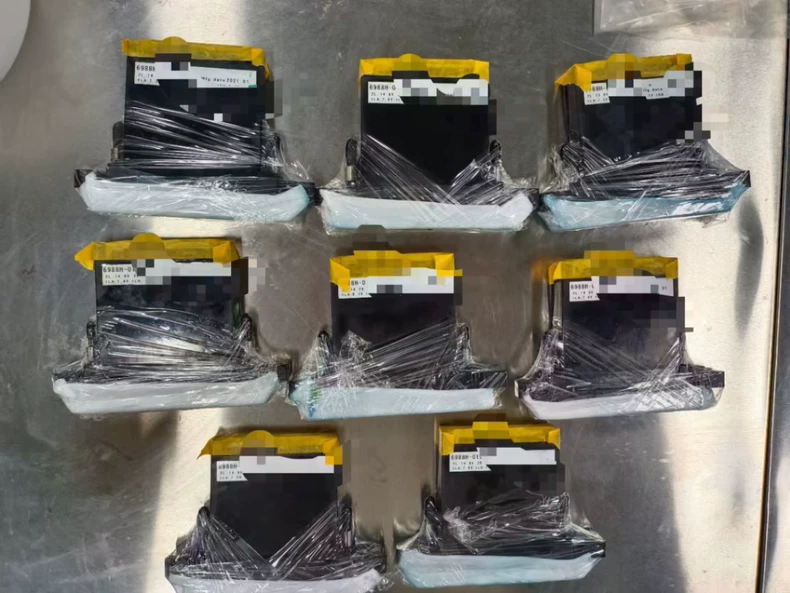
Printhead clogging occurs when ink dries inside the nozzles or when contaminants block ink flow.
Common causes include:
- Long periods of printer inactivity
- Poor-quality ink
- Low humidity environments
- Inadequate maintenance
- Clogged cap tops or dampers
- Incorrect printer shutdown procedures
- White ink sedimentation
Understanding these causes is the first step toward preventing printhead problems.
Why Is Printhead Clogging a Serious Problem?
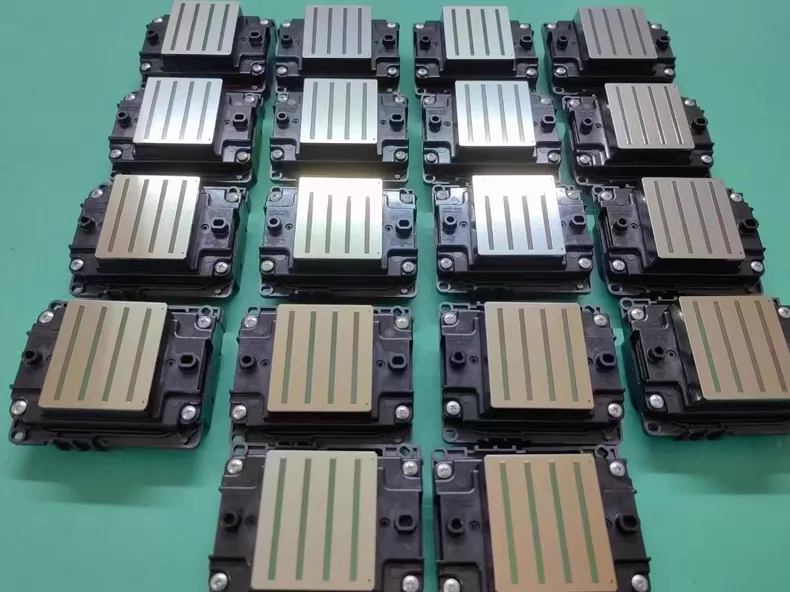
A clogged printhead can cause:
- Missing lines in prints
- Banding issues
- Color inconsistency
- Reduced print quality
- Increased cleaning cycles
- Premature printhead failure
In severe cases, a damaged printhead may need replacement, resulting in expensive downtime.
1. Perform Daily Nozzle Checks
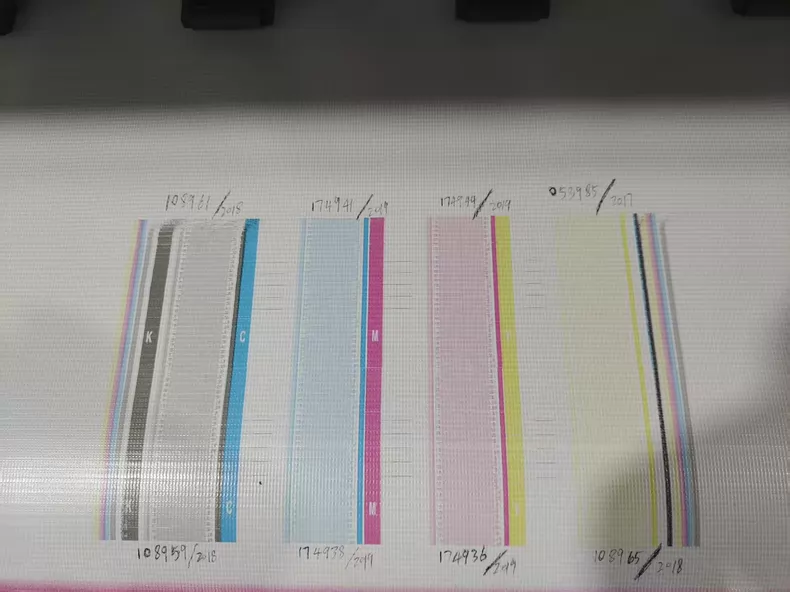
One of the easiest ways to detect problems early is by performing a daily nozzle check.
Benefits include:
- Identifying clogged nozzles quickly
- Preventing small clogs from becoming severe
- Maintaining consistent print quality
For printers used daily, a nozzle check should be part of the standard operating procedure.
2. Use High-Quality Ink
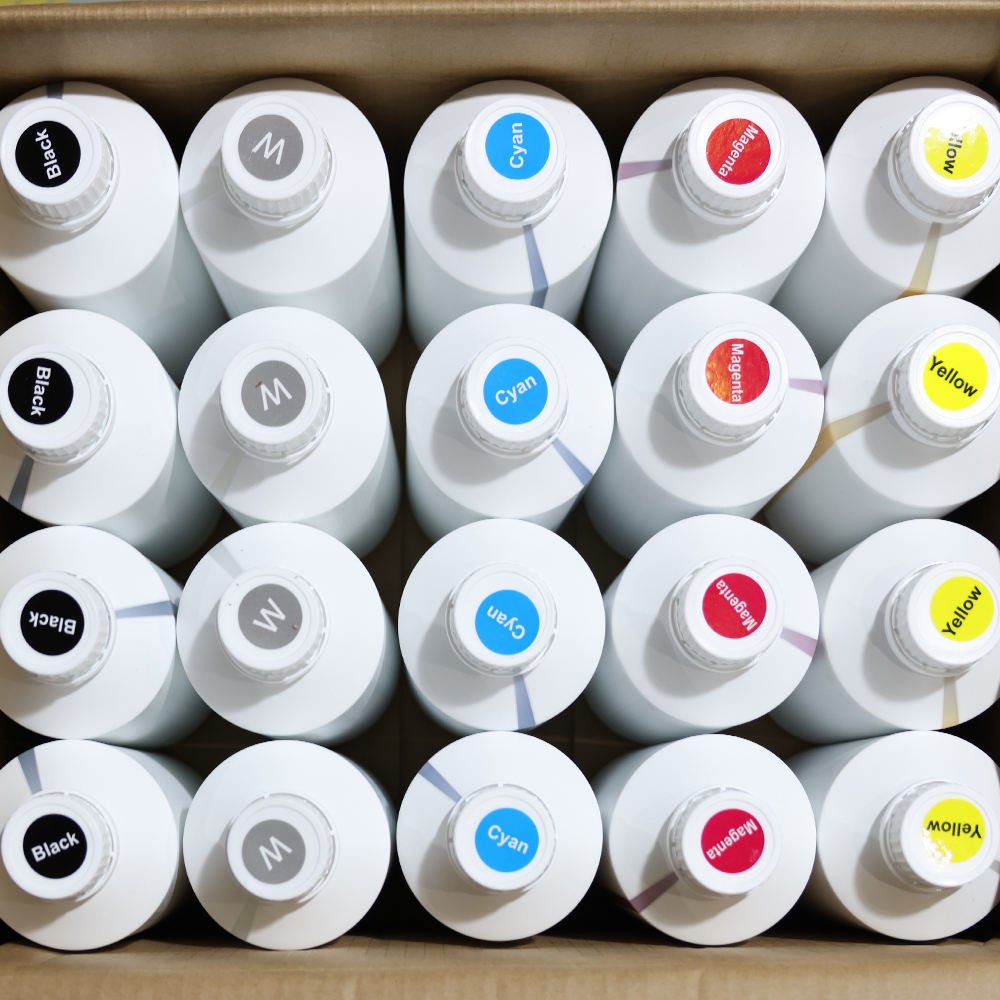
Ink quality has a direct impact on printhead health.
Low-quality ink may contain:
- Large pigment particles
- Impurities
- Unstable chemical formulations
These contaminants can block nozzles and shorten printhead lifespan.
Always use ink recommended for your printer and printhead model.
3. Maintain Proper Humidity Levels
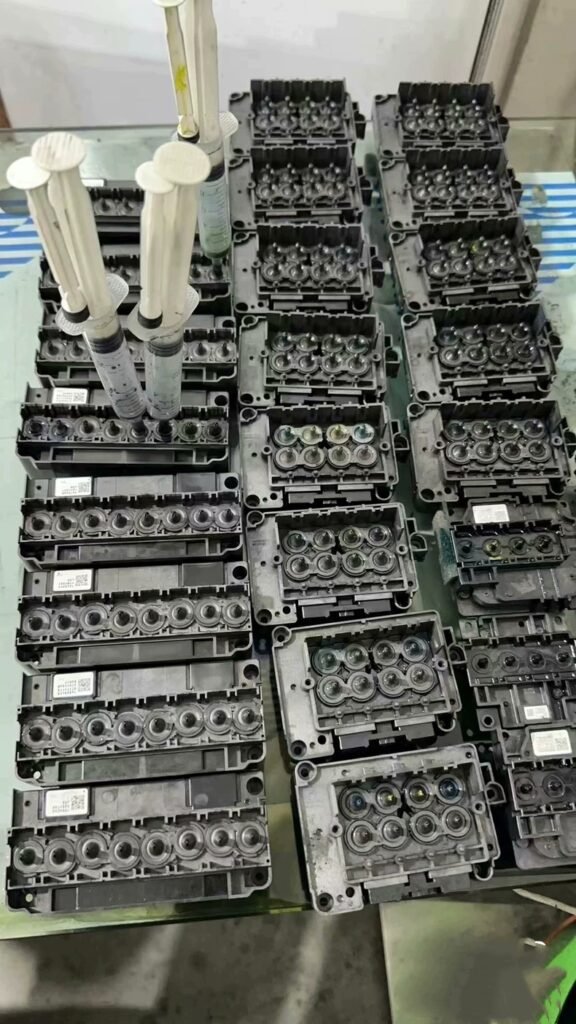
Dry environments are a major cause of printhead clogging.
Recommended humidity:
- 40%–60% Relative Humidity
Benefits include:
- Reduced ink drying
- Better nozzle performance
- Improved print consistency
A humidifier can be a valuable investment, especially in dry climates.
4. Print Regularly
Long periods of inactivity allow ink to dry inside the printhead.
If possible:
- Print something every day
- Run a small test print during idle periods
- Avoid leaving printers unused for extended periods
Regular ink movement helps keep nozzles open.
5. Keep the Capping Station Clean
The capping station plays a critical role in protecting the printhead.
A dirty cap top can cause:
- Poor sealing
- Ink drying
- Air entering the ink system
Regular cleaning helps maintain proper suction and nozzle health.
6. Replace Wiper Blades Periodically
The wiper blade removes excess ink and debris from the printhead surface.
A worn wiper may:
- Spread contaminants
- Leave dried ink on the nozzle plate
- Increase clogging risks
Replace wiper blades according to the manufacturer’s maintenance schedule.
7. Monitor White Ink Circulation Systems
White ink contains heavy pigments that settle quickly.
Without proper circulation:
- Ink sediment builds up
- Nozzles become blocked
- Print quality deteriorates
For DTF and UV printers, ensure the white ink circulation system operates correctly at all times.
8. Avoid Excessive Cleaning Cycles
Many operators mistakenly believe frequent cleaning improves performance.
However, excessive cleaning can:
- Waste ink
- Increase wear on components
- Reduce printhead lifespan
Use cleaning cycles only when necessary.
9. Use Proper Shutdown Procedures
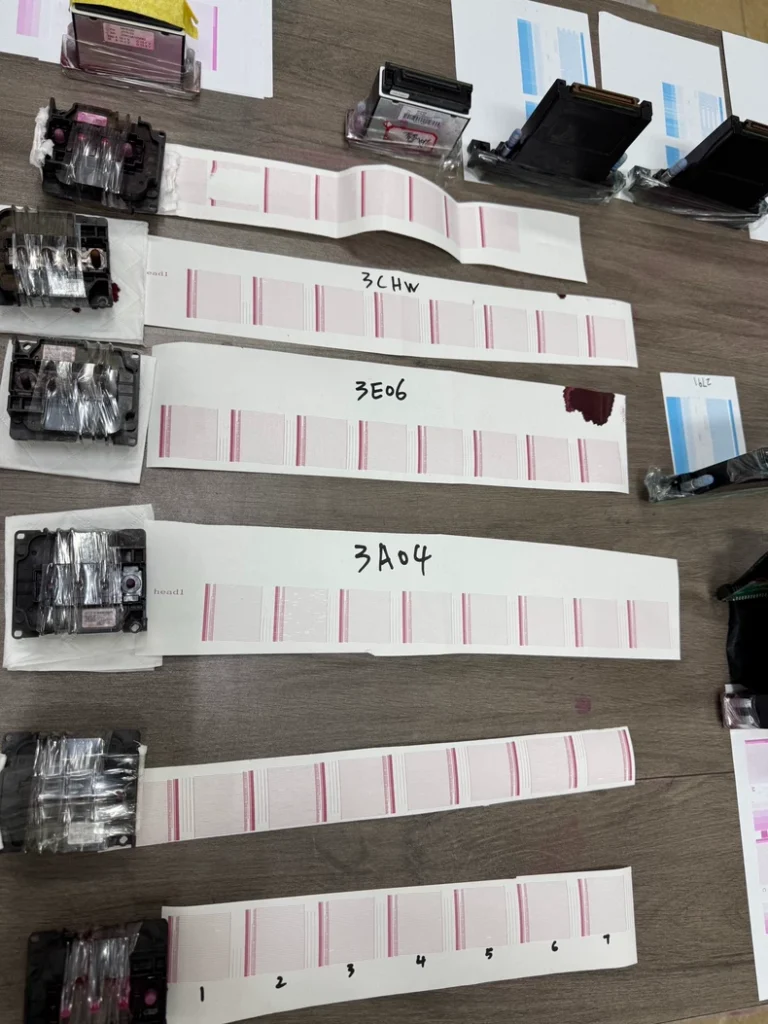
Never turn off the printer by disconnecting power.
Proper shutdown procedures ensure:
- The printhead returns to the capping station
- Nozzles remain protected
- Ink drying is minimized
Always follow the manufacturer’s recommended shutdown process.
10. Check Dampers and Ink Filters
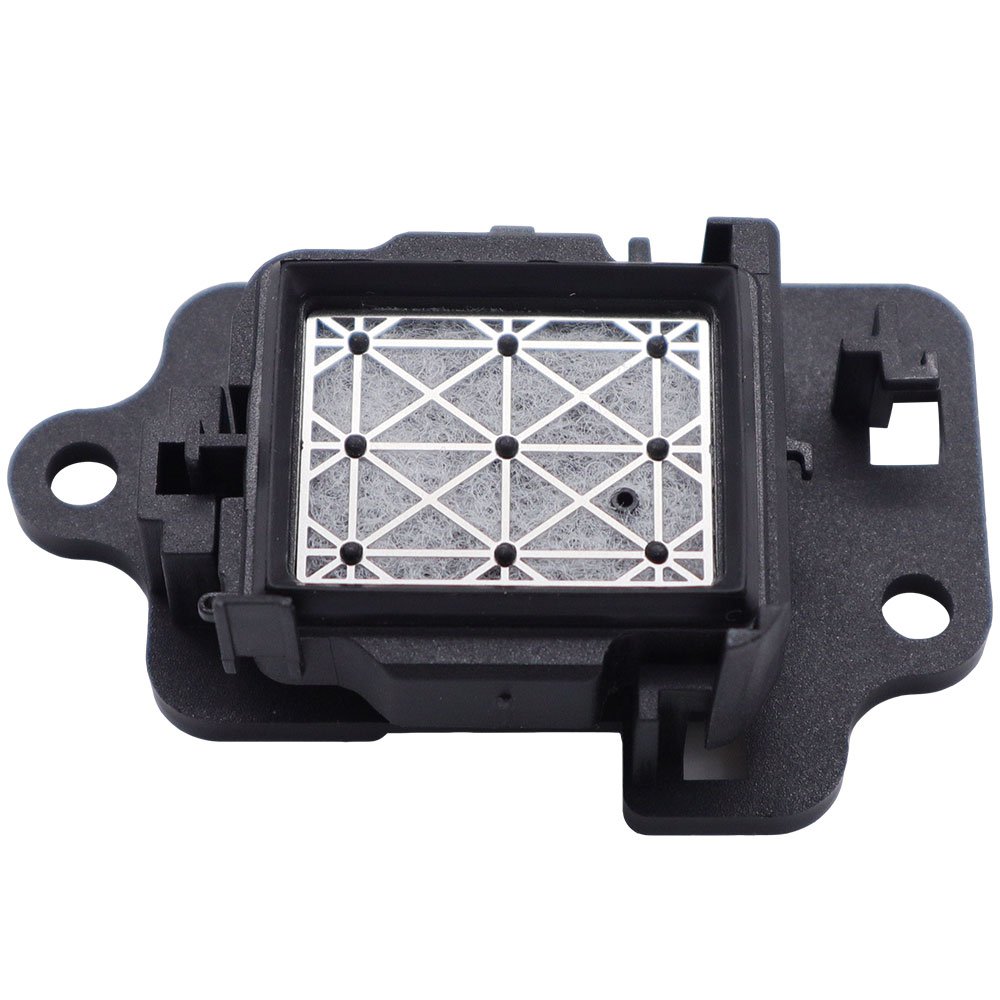
Dampers and filters help deliver clean ink to the printhead.
Over time, they may become:
- Clogged
- Contaminated
- Restricted
Regular inspection and replacement help maintain consistent ink flow.
11. Keep the Printer Environment Clean
Dust and airborne contaminants can enter the printing system.
Good practices include:
- Cleaning around the printer regularly
- Avoiding dusty work areas
- Storing ink properly
- Covering printers when not in use
A clean environment reduces contamination risks.
Best Practices for Epson i3200 Printheads
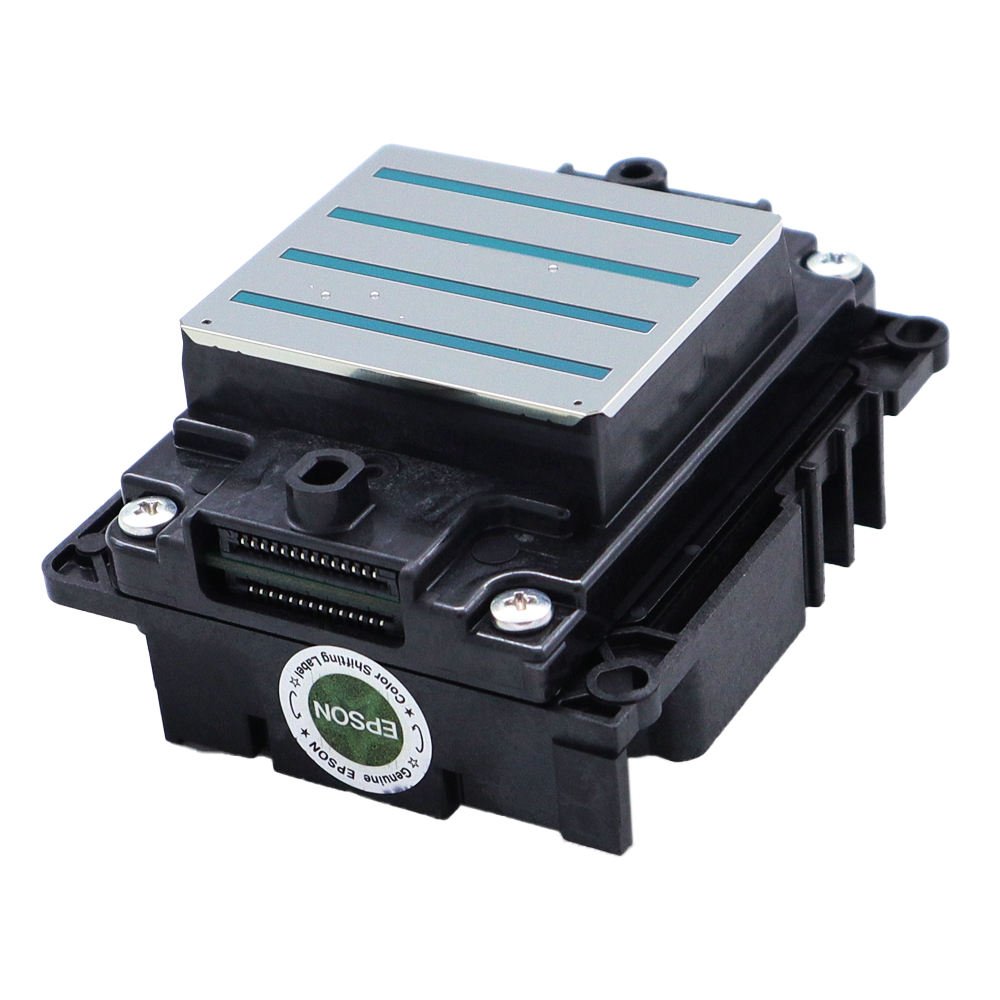
The Epson i3200 is widely used in DTF, UV, and eco solvent printers.
Recommended maintenance:
- Daily nozzle checks
- Stable humidity levels
- Quality ink usage
- Regular cap top cleaning
- Proper white ink circulation
Consistent maintenance can significantly extend printhead life.
Signs That Your Printhead May Be Clogging
Watch for these warning signs:
- Missing nozzles on test patterns
- Horizontal banding
- Faded colors
- Ink dropouts
- Inconsistent print quality
Addressing these issues early can prevent serious damage.
Frequently Asked Questions
How often should I perform a nozzle check?
For daily production environments, a nozzle check should be performed every day before printing.
Does humidity affect printhead clogging?
Yes. Low humidity accelerates ink drying and increases clogging risks.
Can poor-quality ink damage a printhead?
Yes. Low-quality ink may contain impurities that block nozzles and reduce printhead lifespan.
Is white ink more likely to cause clogs?
Yes. White ink contains heavier pigments that can settle and block nozzles if circulation is inadequate.
Can a clogged printhead be repaired?
Minor clogs can often be resolved through proper cleaning procedures. Severe clogs may require professional service or printhead replacement.
Conclusion
Preventing printhead clogging is much easier and less expensive than repairing a damaged printhead. By using high-quality ink, maintaining proper humidity, performing regular nozzle checks, and following recommended maintenance procedures, you can maximize print quality and extend the lifespan of your printing equipment.
Consistent preventive maintenance is the key to reliable printer performance and reduced operating costs.
Looking for Printheads, Inks, and Printer Spare Parts?
Explore professional printing solutions at:
WhatsApp: https://wa.me/8619501858091
We supply printheads, printers, inks, and spare parts for DTF, UV, eco solvent, and sublimation printing businesses worldwide.